

 About Us
To enable Prowler to assume an identity for scanning with the required privileges, a Service Principal must be created. This Service Principal authenticates against Azure and retrieves necessary metadata for checks. Service Principal Applications can be created using either the Azure Portal or the Azure CLI.Documentation Index
Fetch the complete documentation index at: https://prowler-prowler-1359-docs-improve-developer-documentation-f.mintlify.app/llms.txt
Use this file to discover all available pages before exploring further.
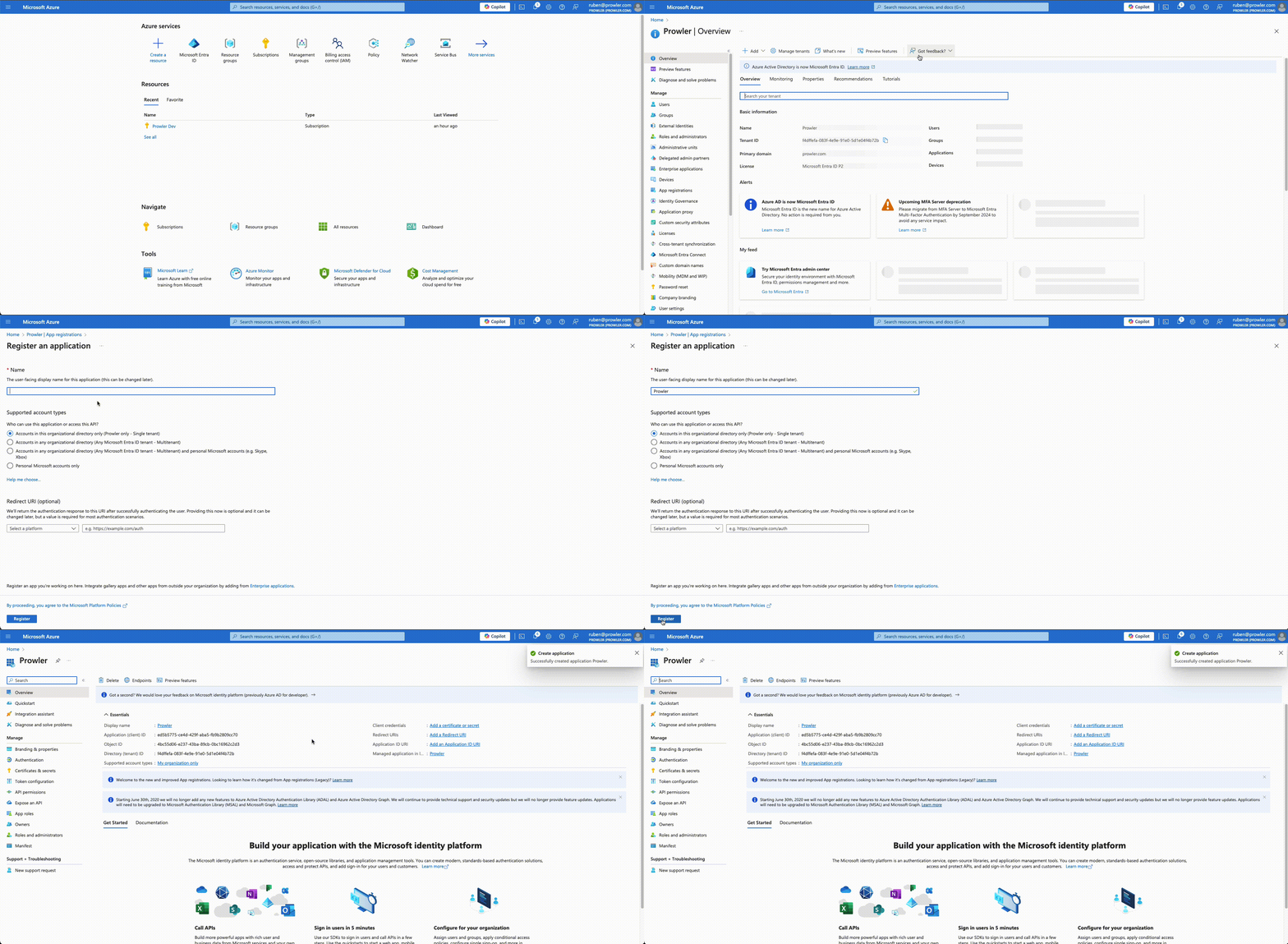
Creating a Service Principal via Azure Portal / Entra Admin Center
-
Access Microsoft Entra ID in the Azure Portal
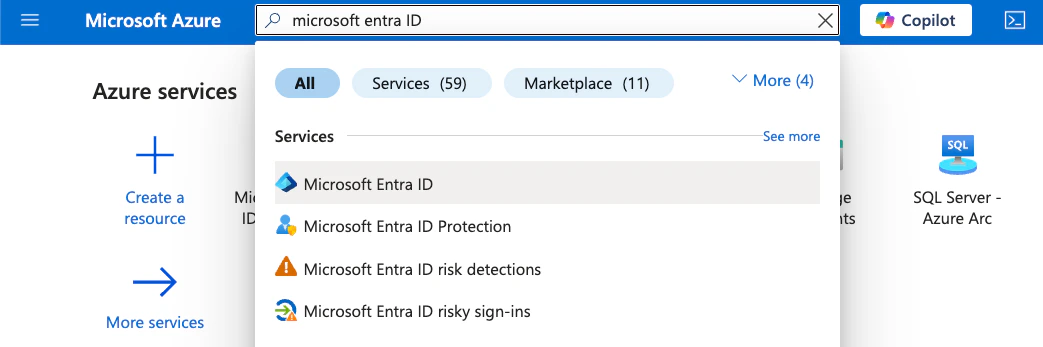
-
Navigate to “Manage” > “App registrations”
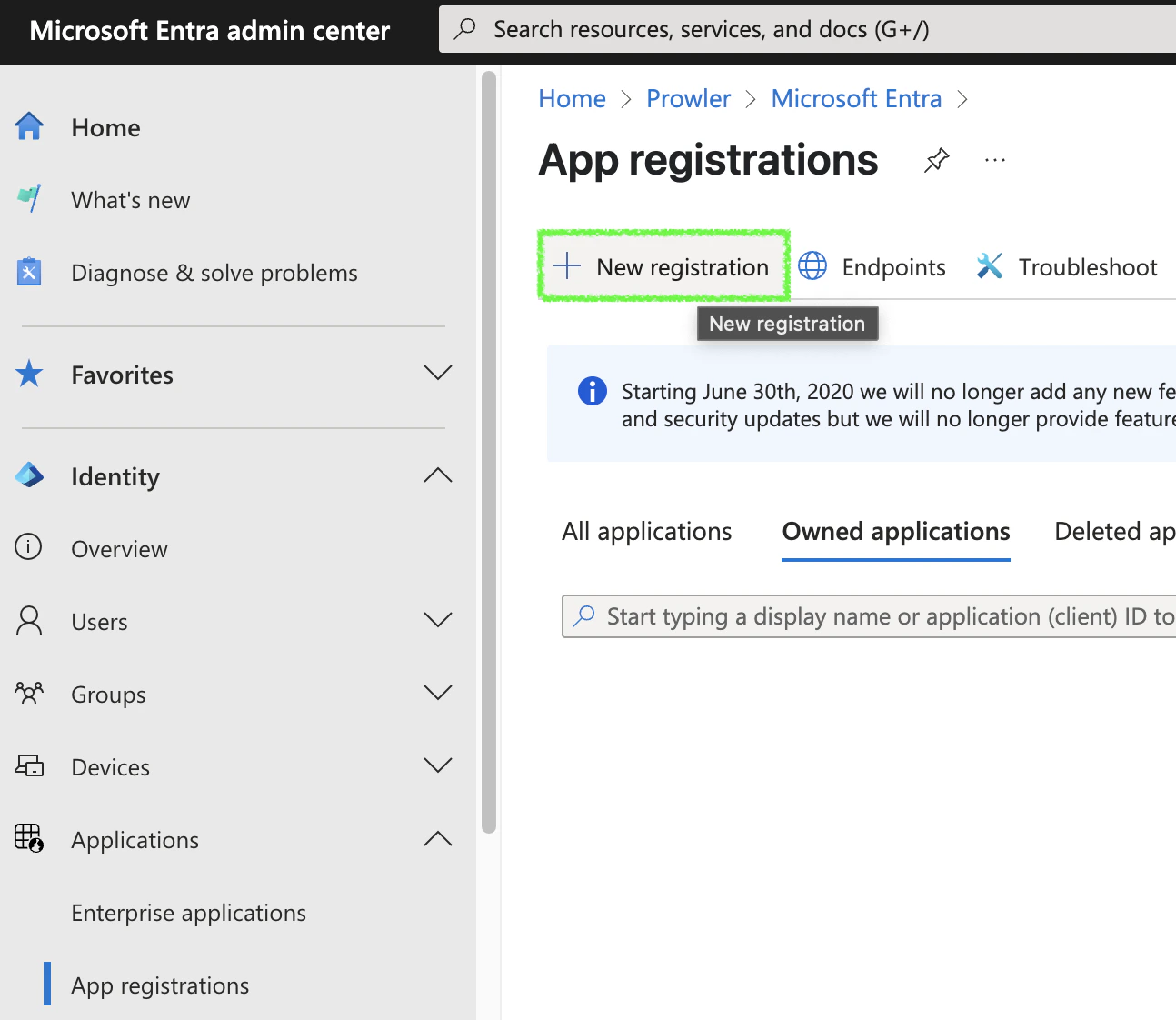
-
Click ”+ New registration”, complete the form, and click “Register”
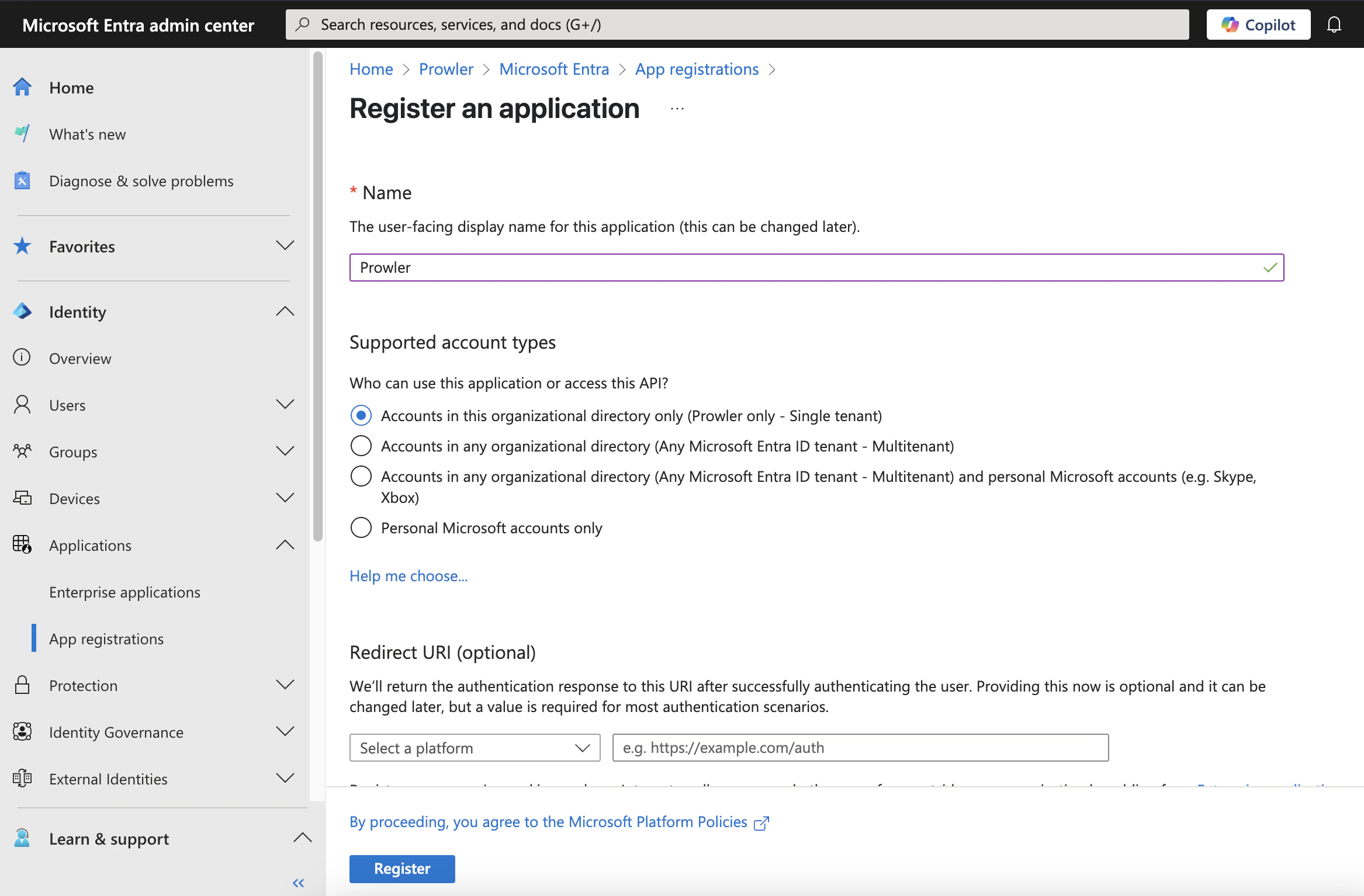
-
Go to “Certificates & secrets” > ”+ New client secret”
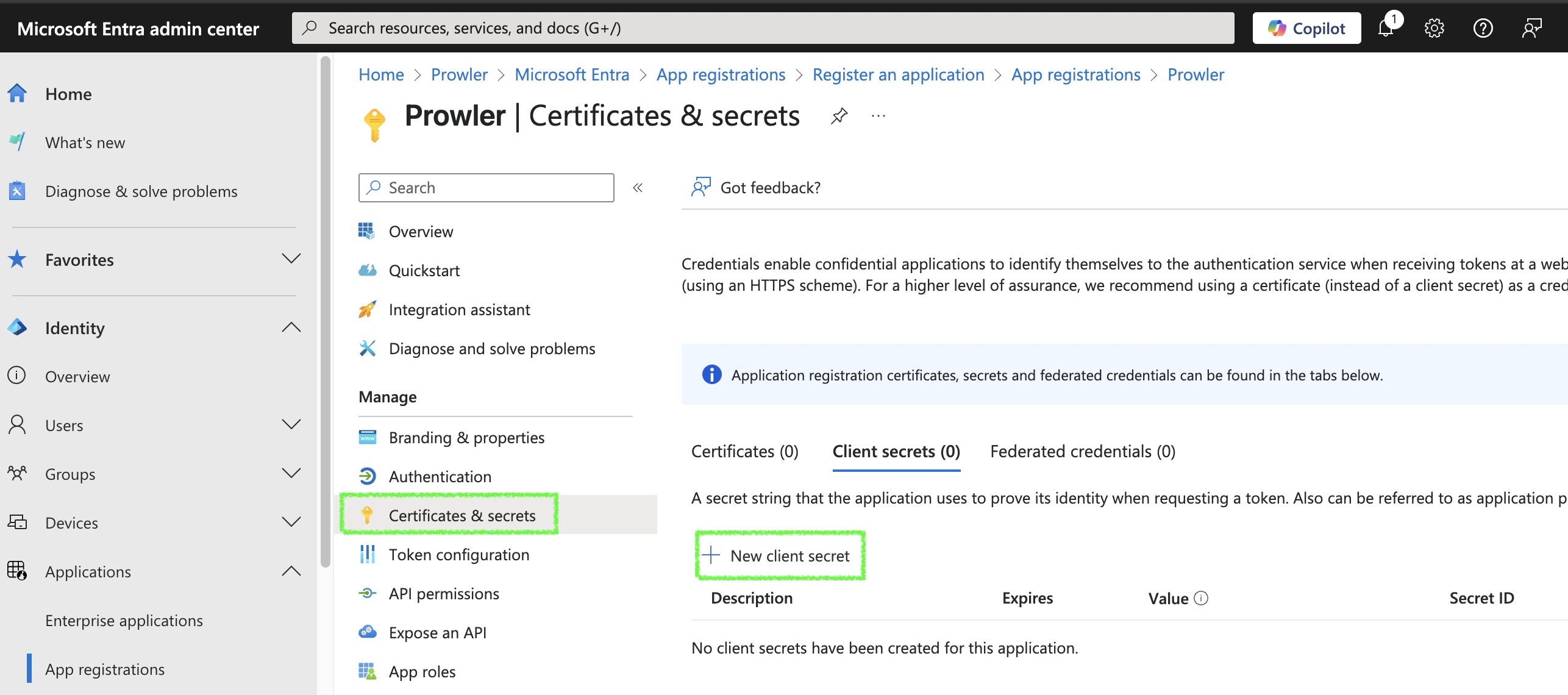
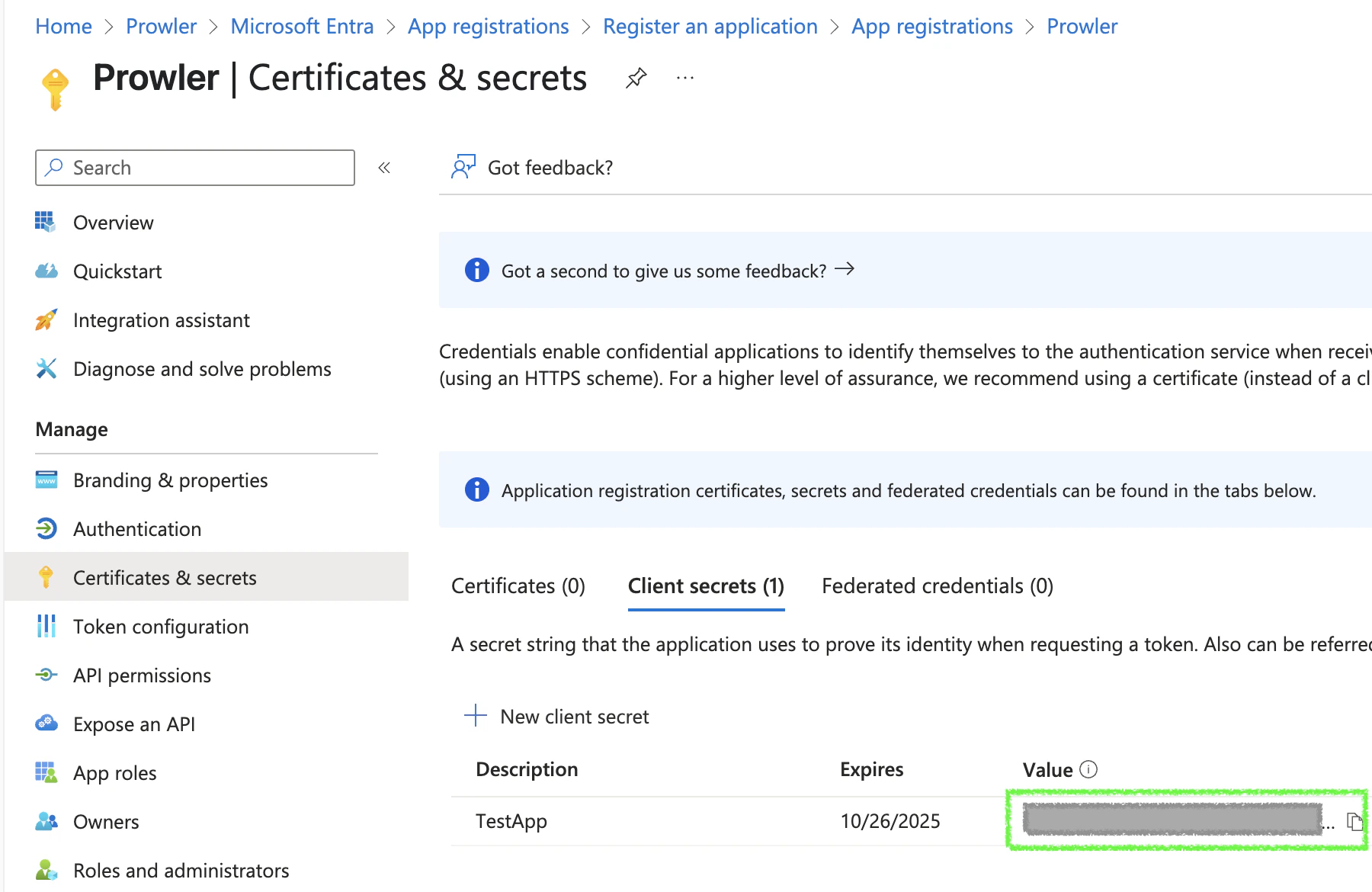
- Fill in the required fields and click “Add”, then copy the generated value
| Value | Description |
|---|---|
| Client ID | Application ID |
| Client Secret | Secret to Connect to the App |
| Tenant ID | Microsoft Entra Tenant ID |
Creating a Service Principal from Azure CLI
To create a Service Principal using the Azure CLI, follow these steps:-
Open a terminal and execute the following command:
-
The output will be similar to:
-
Save the values of
appId,passwordandtenant, as they will be used as credentials in Prowler.