

 About Us
Prowler for Vercel scans teams and projects for security misconfigurations, including deployment protection, environment variable exposure, WAF rules, domain configuration, team access controls, and more.Documentation Index
Fetch the complete documentation index at: https://prowler-prowler-1359-docs-improve-developer-documentation-f.mintlify.app/llms.txt
Use this file to discover all available pages before exploring further.
Prerequisites
Set up authentication for Vercel with the Vercel Authentication guide before starting:- Create a Vercel API Token with access to the target team
- Identify the Team ID (optional, required to scope the scan to a single team)
Prowler Cloud
Onboard Vercel using Prowler Cloud
Prowler CLI
Onboard Vercel using Prowler CLI
Prowler Cloud
Step 1: Add the Provider
- Go to Prowler Cloud or launch Prowler App.
-
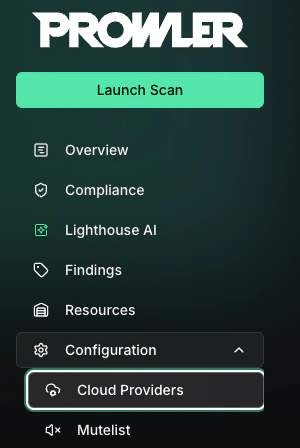
Navigate to “Configuration” > “Cloud Providers”.
-
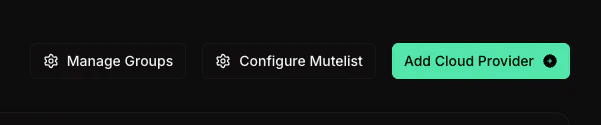
Click “Add Cloud Provider”.
-
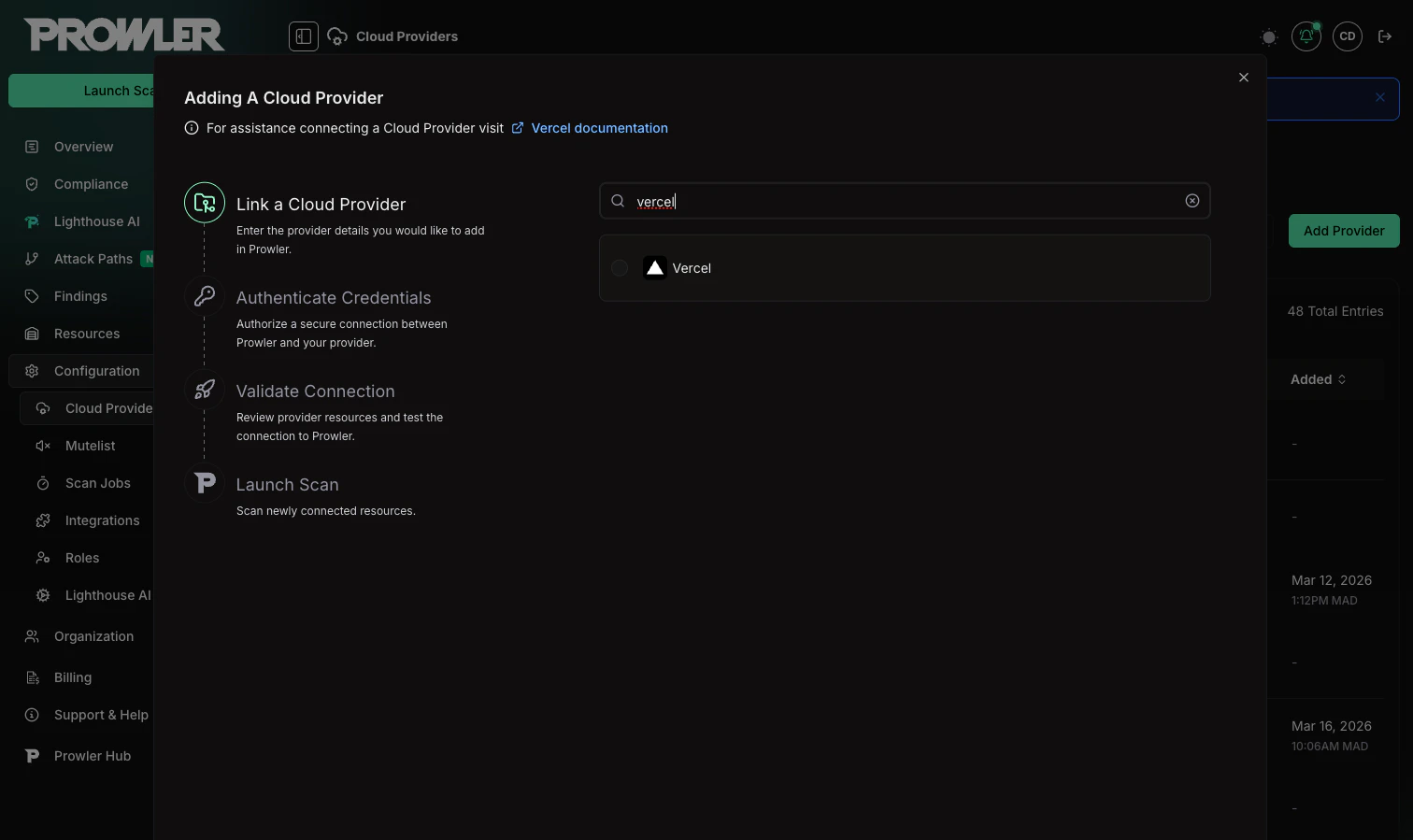
Select “Vercel”.
-
Enter the Team ID and an optional alias, then click “Next”.
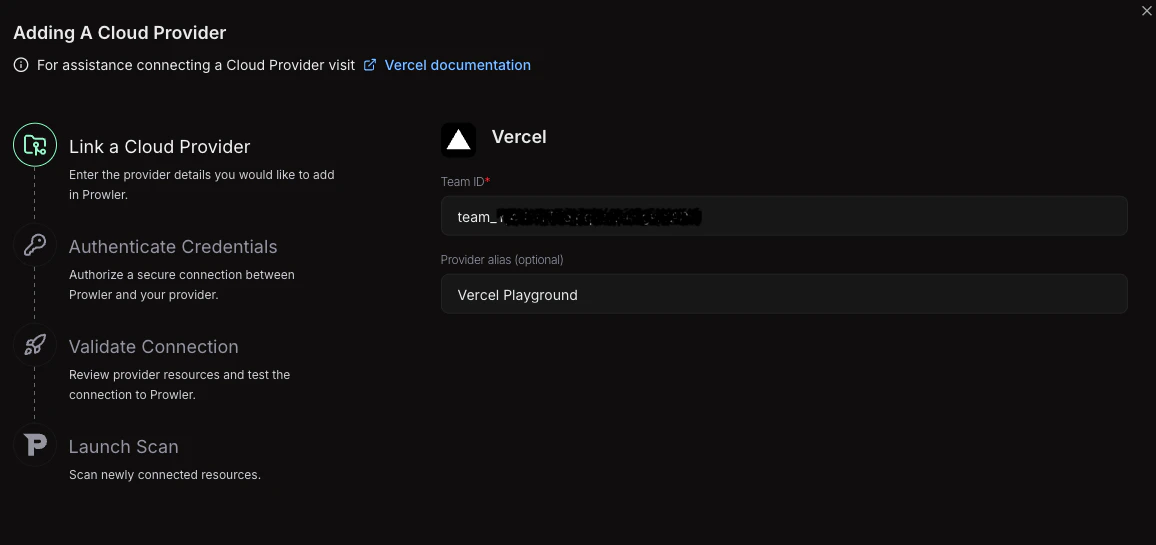
The Team ID can be found in the Vercel Dashboard under “Settings” > “General”. It follows the format
team_xxxxxxxxxxxxxxxxxxxx. For detailed instructions, see the Authentication guide.Step 2: Provide Credentials
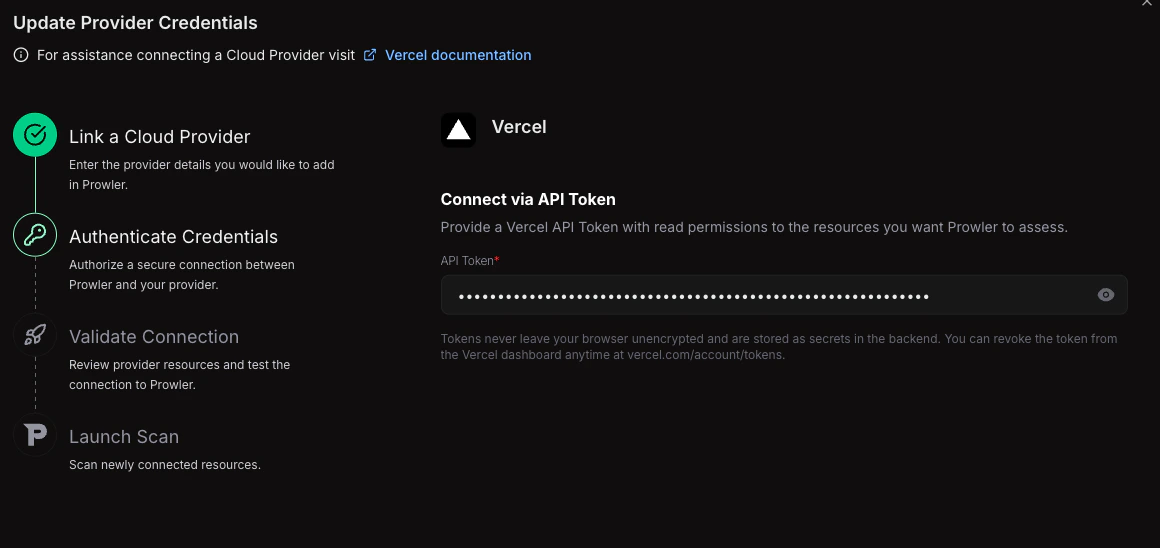
-
Enter the API Token created in the Vercel Dashboard.
Step 3: Launch the Scan
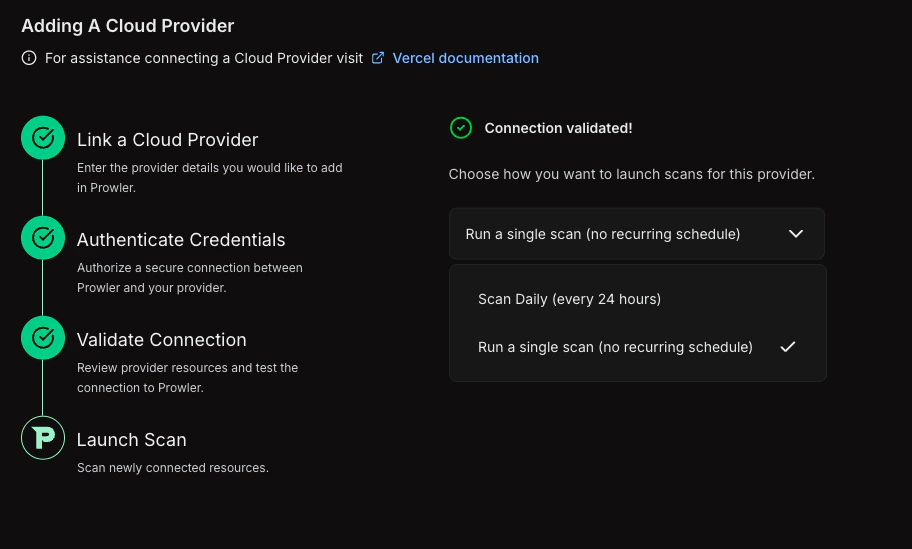
- Review the connection summary.
- Choose the scan schedule: run a single scan or set up daily scans (every 24 hours).
-
Click Launch Scan to start auditing Vercel.
Prowler CLI
Step 1: Set Up Authentication
Follow the Vercel Authentication guide to create an API Token, then export it:Step 2: Run the First Scan
Run a baseline scan after credentials are configured:Step 3: Filter the Scan Scope (Optional)
Filter by Team
To scan a specific team, set theVERCEL_TEAM environment variable with the Team ID or slug:
When no team is specified, Prowler auto-discovers all teams the authenticated user belongs to and scans each one.
Filter by Project
To scan only specific projects, use the--project argument:
Step 4: Use a Custom Configuration (Optional)
Prowler uses a configuration file to customize provider behavior. The Vercel configuration includes:Supported Services
Prowler for Vercel includes security checks across the following services:| Service | Description |
|---|---|
| Authentication | Token expiration and staleness checks |
| Deployment | Preview deployment access and production stability |
| Domain | DNS configuration, SSL certificates, and wildcard exposure |
| Project | Deployment protection, environment variable security, fork protection, and skew protection |
| Security | Web Application Firewall (WAF), rate limiting, IP blocking, and managed rulesets |
| Team | SSO enforcement, directory sync, member access, and invitation hygiene |